Table of Contents
Job Management Software Explained: The Ultimate Guide to Scheduling, Invoicing, and Completion in WorkDash
Running a service business in today’s fast-moving market requires more than spreadsheets, whiteboards, and manual follow-ups. From creating a job schedule to tracking progress, managing field teams, and issuing an invoice quickly on completion, every step impacts productivity, cash flow, and customer experience. That is why job management software has become essential for modern service businesses and tradies.
This ultimate guide explains how job management works in WorkDash, from scheduling jobs through to job completion and invoicing. You’ll learn how to use job management software to automate admin, streamline workflows, optimise productivity, and run your business from one platform. Whether you are running a trade business, managing a field service team, or scaling operations, this guide shows how WorkDash supports end-to-end job management without ERP complexity.
Article Outline: The Ultimate Guide to Job Management in WorkDash
1. What Is Job Management Software and Why Does It Matter?
2. How Does WorkDash Help You Schedule Jobs Efficiently?
3. What Makes a Smart Job Schedule for Service Businesses?
4. How Job Management Software Streamlines Daily Admin
5. How Workflow Automation Improves Job Tracking and Progress
6. Managing Field Service Teams in Real Time
7. From Job Completion to Invoice: How Financial Management Fits In
8. How WorkDash Optimises Productivity for Business Owners
9. How to Implement Job Management Software Successfully
10. Choosing the Right Job Management Software for Your Business
What Is Job Management Software and Why Does It Matter?
Job management software is designed to help businesses manage jobs from start to finish. It brings together scheduling, job details, task management, invoicing, and reporting into a single job management system. Instead of juggling multiple tools, businesses manage everything in one place.
For a service business or field service operation, job management software is the backbone of daily operations. It helps businesses organise work, reduce admin, and deliver consistent service. Using job management software allows business owners to focus on growth rather than manual coordination.
How Does WorkDash Help You Schedule Jobs Efficiently?
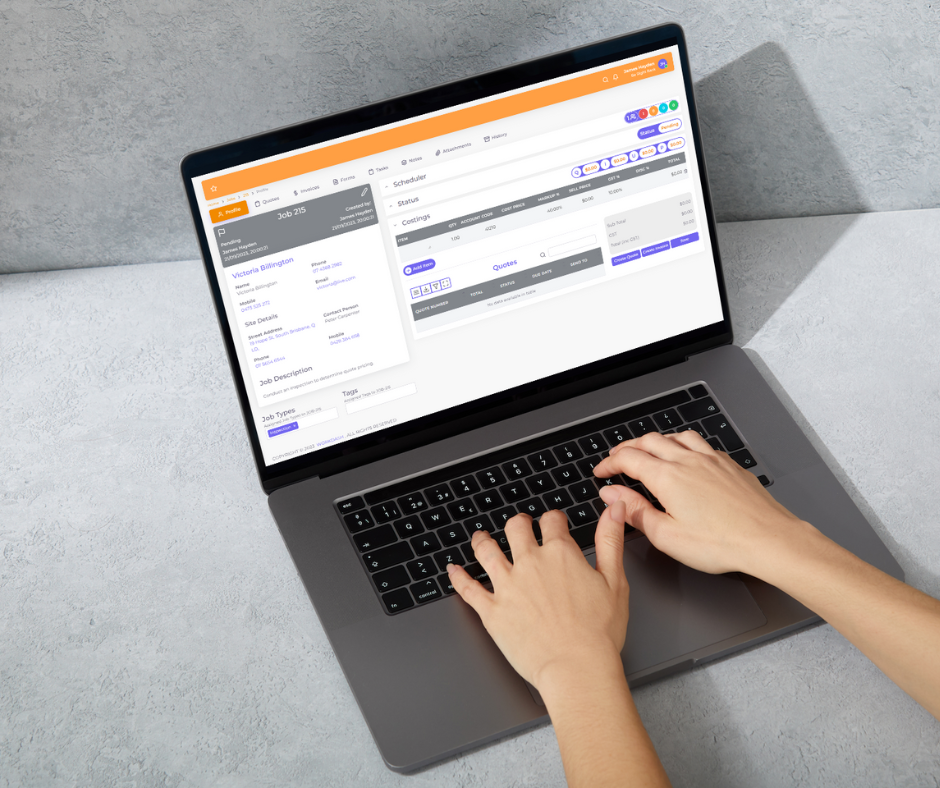
Scheduling is one of the most critical aspects of job management. In WorkDash, scheduling is built directly into the management platform, allowing businesses to create, update, and adjust a job schedule in real time.
WorkDash enables you to assign jobs to team members, set dates, and manage availability from one dashboard. Real-time updates ensure everyone knows what is scheduled, reducing missed appointments and confusion. This makes scheduling jobs seamless for field service and trade businesses.
What Makes a Smart Job Schedule for Service Businesses?
A smart job schedule balances workload, travel time, and priorities. WorkDash allows businesses to visualise schedules clearly and make changes instantly when jobs shift.
By using real-time scheduling tools, businesses can optimise job allocation and improve productivity. A well-planned job schedule helps businesses organise resources efficiently and deliver a better customer experience without overloading team members.
An efficient Customer relationship management tool like WorkDash can vastly improve productivity and automate many tasks around your customers.
How Job Management Software Streamlines Daily Admin
Admin work is one of the biggest productivity drains for service businesses. Job management software reduces admin by centralising job details, customer information, and task updates.
WorkDash streamlines admin by eliminating double entry and manual tracking. Job details are captured once and flow through the workflow automatically. This helps businesses streamline business operations and reduce time spent on paperwork.
How Workflow Automation Improves Job Tracking and Progress
Workflow automation is where modern job management truly shines. WorkDash allows businesses to automate repetitive steps such as job creation, status updates, and notifications.
Automation improves job tracking by keeping everyone aligned on job progress. Real-time updates ensure team members and office staff always know the current status. This automation helps businesses streamline job management and avoid bottlenecks.
Managing Field Service Teams in Real Time
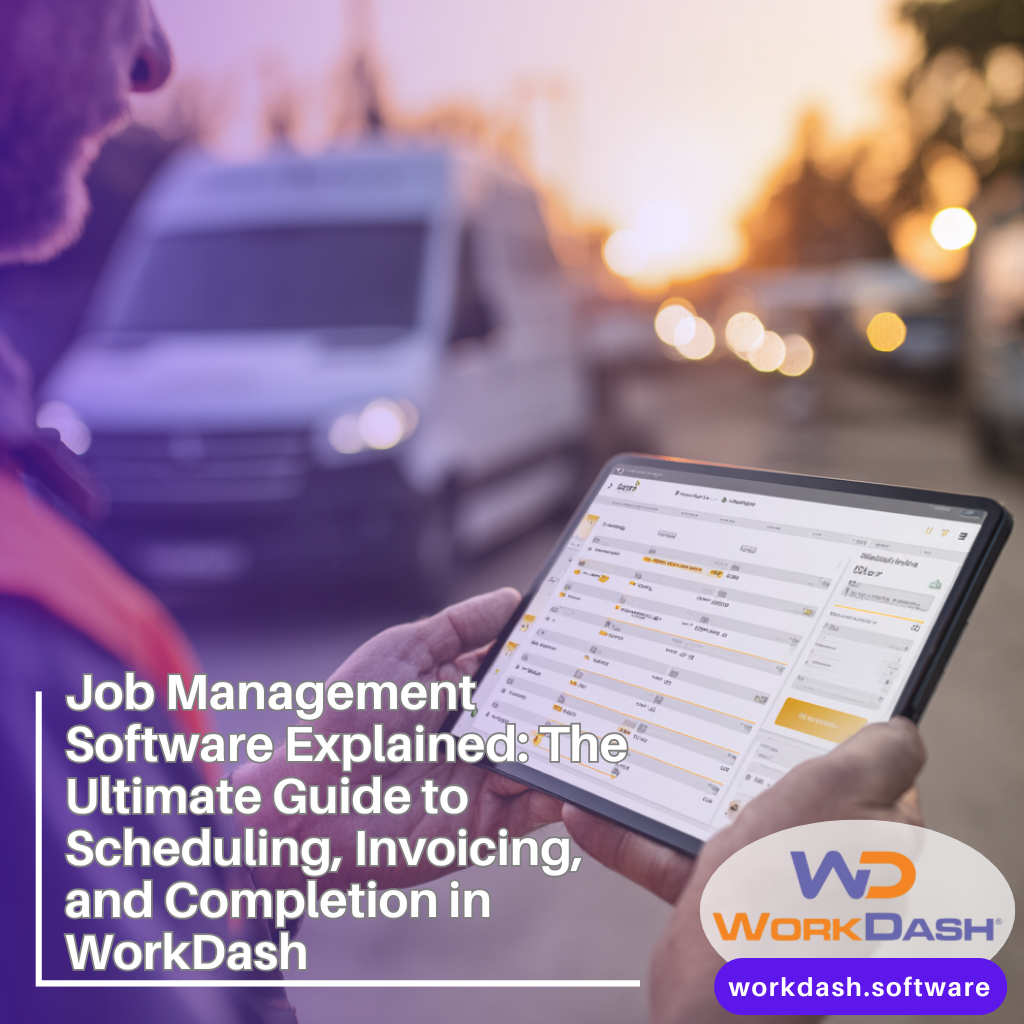
Field service businesses rely on accurate, real-time information. WorkDash provides field service management tools that allow teams to access job information on the go.
With real-time updates, field teams can see schedules, job details, and task lists instantly. This improves coordination, reduces delays, and ensures field service teams deliver consistent results across all jobs.
From Job Completion to Invoice: How Financial Management Fits In
Job completion is not the end of the process—getting paid matters just as much. WorkDash connects job completion directly to invoicing, removing delays between finishing work and sending an invoice.
By linking jobs to invoices, businesses improve cash flow and financial management. WorkDash ensures invoices reflect completed work accurately, reducing disputes and improving professionalism.
How WorkDash Optimises Productivity for Business Owners
WorkDash is designed to optimise productivity for business owners and teams. By combining scheduling, workflow, invoicing, and reporting in one business management platform, WorkDash reduces complexity.
With less admin and better visibility, business owners can make faster decisions. Productivity improves across the organisation as teams spend more time delivering work and less time managing systems.
How to Implement Job Management Software Successfully
To implement job management software successfully, businesses need a clear understanding of their processes. WorkDash is designed to be intuitive, making onboarding simple for small teams and growing businesses.
Successful implementation involves mapping existing workflows, setting up schedules, and training team members. Once implemented, WorkDash grows with your business and adapts to changing needs.
Choosing the Right Job Management Software for Your Business
Choosing the right job management software depends on your business needs. Look for software that supports scheduling, workflow, invoicing, and field service management without unnecessary ERP complexity.
WorkDash is designed specifically for service businesses and tradies. It provides the right balance of power and simplicity, making it the right job management software for businesses of all sizes.
Key Takeaways: Job Management in WorkDash
Job management software simplifies scheduling, tracking, and invoicing
WorkDash supports end-to-end job management from schedule to completion
Real-time updates improve coordination and productivity
Workflow automation reduces admin and errors
Field service teams benefit from mobile-friendly access
Integrated invoicing improves cash flow
One platform replaces multiple disconnected tools
WorkDash is a business management platform, not an ERP
Designed for service businesses and tradies
The right software helps elevate your business and scale confidently